STREAMSTER · MULTISTREAMING
Streamster: Multistreaming, Plans and $10 Promo Code
You have already set up your camera, lighting and scene. Why let that preparation reach just one audience? Streamster sends the same live stream to several platforms, so you can explore where your style connects with viewers without repeating the broadcast.
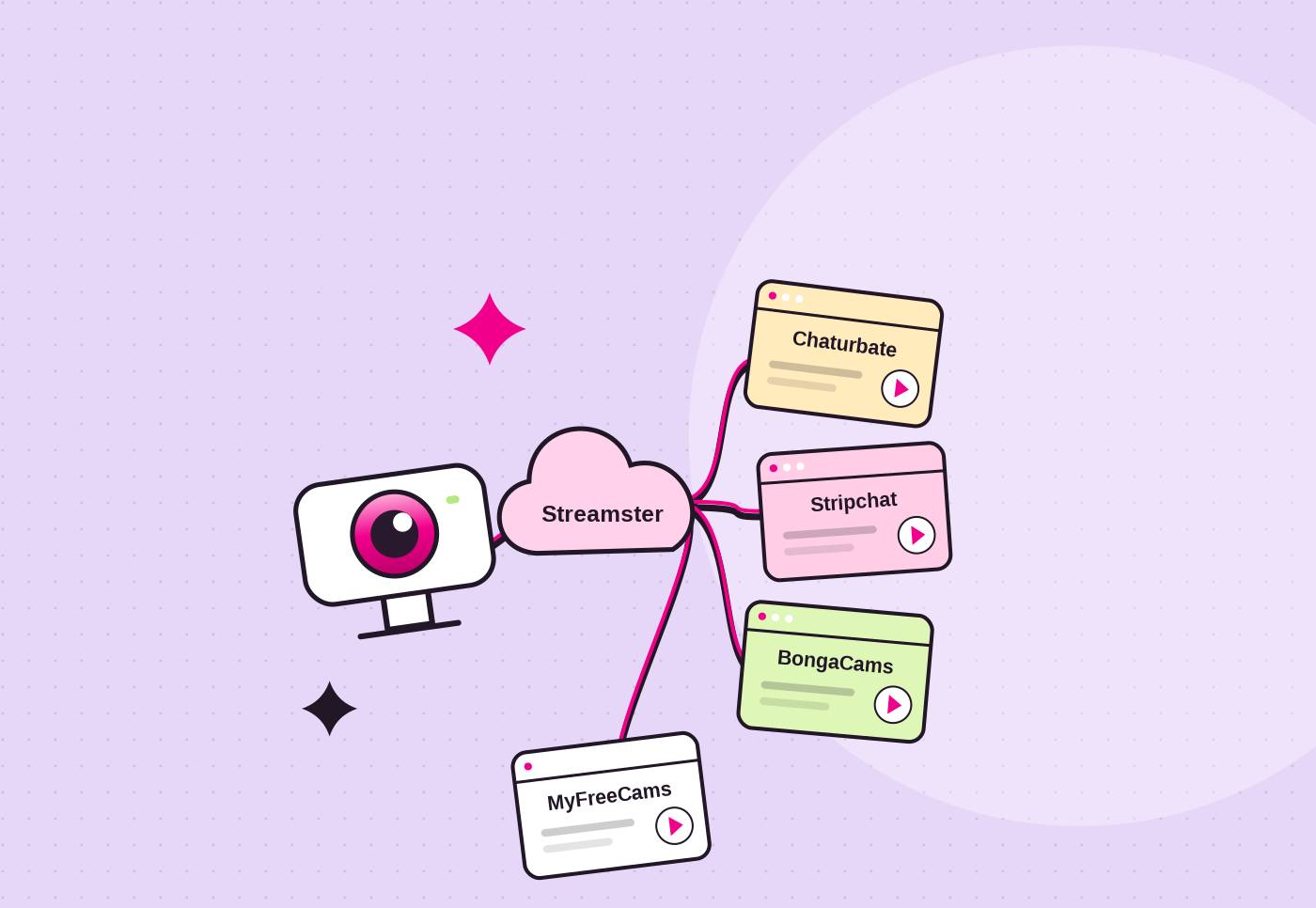
For example, you can broadcast to Chaturbate, BongaCams, Stripchat and MyFreeCams. Start with two platforms, check their current rules and your account requirements, then expand when managing both rooms feels comfortable.
Still deciding where to broadcast? Our comparison of Chaturbate, BongaCams and CAM4 explains the audiences, useful tools and registration options so you can choose a sensible pair to test.
This article contains partner links. LiloDesign may earn a commission if you register or buy through them.
A LITTLE EXTRA FOR YOUR FIRST STREAMS
$10 towards Streamster’s paid services
Create a new account using this code or the link below. The $10 credit can pay for Streamster services, including subscriptions and pay-per-use streaming. It is service credit, not cash for withdrawal.
31793f8e00a1The link fills in the referral code for you. If you register manually, open “Have a referral code?” and enter it before creating your account. Check the credited balance after registration.
Give one broadcast more chances
Different platforms bring different audiences and daily rhythms. A quiet room on one site does not mean the same moment will be quiet everywhere. Multistreaming helps you test that without adding another full session to your day.
- Reach people who would not have found you on your usual platform.
- Compare which sites, time slots and formats suit you using several sessions of results.
- Build a presence on more than one platform instead of relying on one room for all your visibility.
More platforms create opportunities, not guaranteed earnings. Chats still need your attention, and audience growth takes consistent work.
One upload, several destinations
With cloud restreaming, your computer sends one video feed to Streamster. Its servers distribute that feed to the selected platforms. You do not need to upload a separate full stream from home for each destination.
That is especially useful when your upload speed or computer has limited headroom. You still need enough capacity for a stable source stream, chat and other apps; the cloud cannot repair a poor camera feed or an unreliable connection.
Tools that make a busy session easier
Keep your OBS setup
Already have your scenes and overlays? Send OBS to Streamster and manage the destinations in its web app. You do not need to rebuild your entire visual setup.
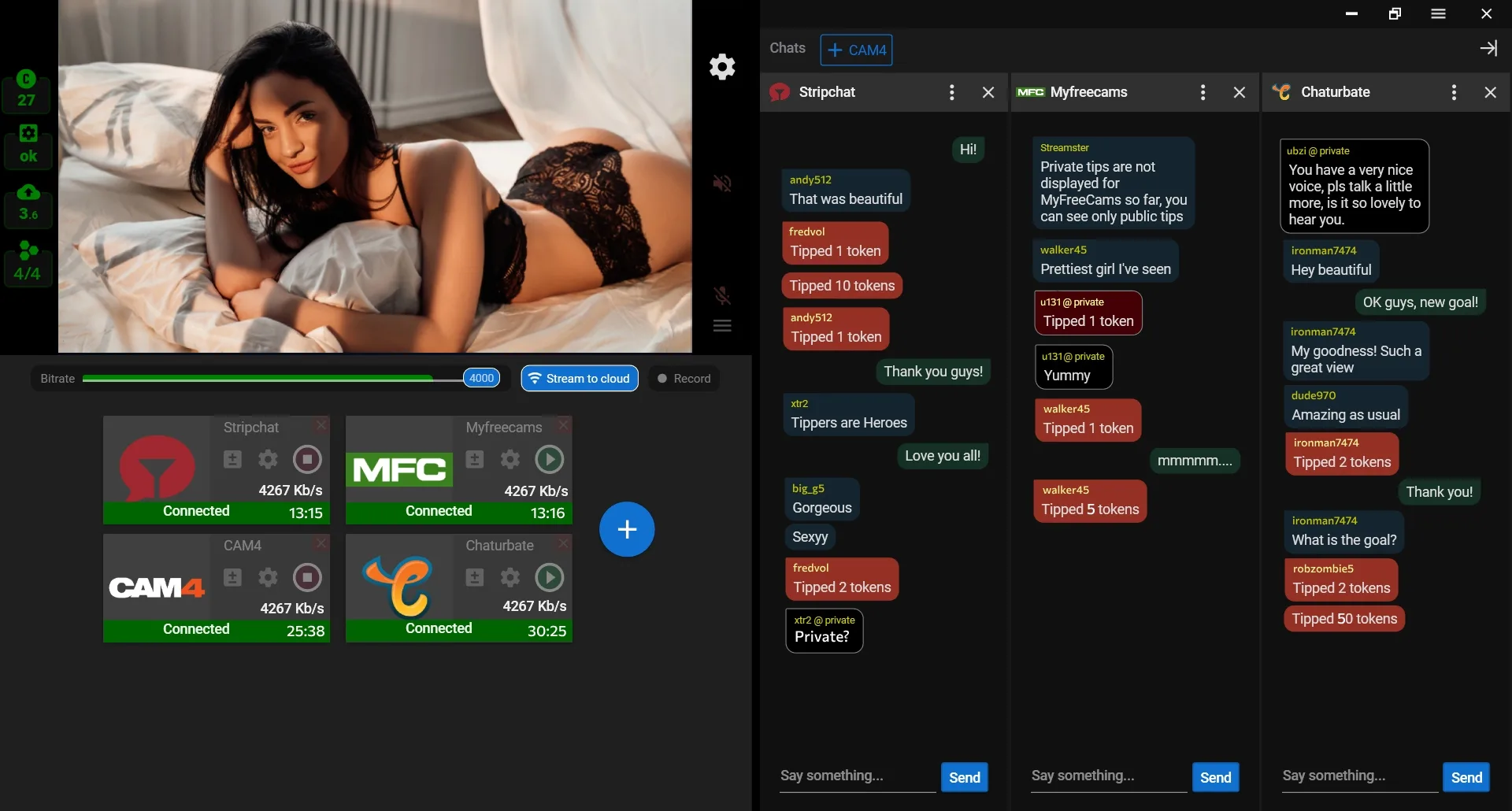
Bring supported chats together
The desktop multichat displays messages and tip notifications from supported sites, including Chaturbate, Stripchat and MyFreeCams. BongaCams streaming is supported, but its chat is not listed among these multichat integrations.
Control individual destinations
Enable or stop destinations from one place. Before a private show, check which public feeds must stop and verify that they have stopped; do not assume every site pauses automatically.
Adjust delivery when requirements differ
Selected paid plans include server-side transcoding to adapt output quality. Choose a plan and settings around each platform’s requirements, rather than the largest resolution number.
Work with the setup you have
Browser-based restreaming works on Windows and Mac with an encoder such as OBS. The desktop multichat is currently a Windows feature; the browser app does not imply identical chat support on Mac.
Start free, upgrade for a reason
The Free plan lets you stream to two destinations with a 4,000 kbps bitrate limit and no compulsory Streamster watermark. It is a sensible way to test your workflow before choosing a paid plan.
| Plan | Monthly price | Active destinations | Bitrate limit |
|---|---|---|---|
| Free | $0 | 2 | 4,000 kbps |
| Lite | $15 | 4 | 7,000 kbps |
| Regular | $30 | 6 | 10,000 kbps |
Prices checked on 28 October 2026. Streamster also offers pay-per-use plans with per-minute billing. Confirm current prices and included features before paying. Streamster ↗
For all four example platforms at once, Lite has four destinations. If you only need two, you may not need a subscription at all. Save the $10 credit for a paid feature you actually want to try.
Your first multistream in five steps
Register through the link below, or enter promo code 31793f8e00a1 in the referral-code field. Confirm that the $10 credit appears in your account.
Choose your source: keep OBS and connect it to Streamster’s server, or use the Streamster desktop app on Windows. Start with a scene you have already tested.
Add your destinations. Open each platform’s external-encoder settings and copy the required server address and stream key into its Streamster channel. Keep stream keys private.
Check picture and sound, then start the source and the selected destinations. Some platforms also require you to make the broadcast public on their own site.
Verify each room, connect the supported chats and test your stop/private-show routine. Start with two sites and compare several sessions before adding more.
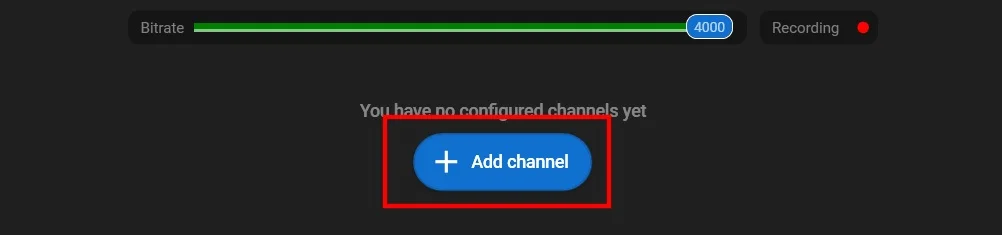
For the exact current controls, use Streamster’s illustrated guide. The steps above describe the workflow; interface labels can change. Official OBS setup guide ↗
A small check before a bigger audience
I would start with a manageable pair of platforms and a clean, readable profile. For your Chaturbate page, LiloDesign’s free Bio Constructor can put your introduction, tip menu and schedule into one matching design.
- Check the platforms’ current simultaneous-streaming rules and any exclusivity terms that apply to you.
- Use a bitrate that fits your connection, plan and destination requirements; inspect audio as carefully as video.
- Keep private-show content off destinations where it should not be public. Test channel controls before relying on them.
- Give viewers clear information about your schedule and profile. A consistent presentation helps them recognise you when they return.
A few things you might be wondering
Can I use Streamster without paying?
Yes. The Free plan includes two streaming destinations. More active destinations and certain extra features require a paid plan.
Where do I enter promo code 31793f8e00a1?
During registration, expand “Have a referral code?” and paste the code. Our registration link fills it in automatically. This offer is for a new account created with the referral code.
Is the $10 bonus withdrawable?
It is credit for Streamster’s paid services, including subscriptions and usage time, rather than a cash payout.
Will multistreaming double my income?
There is no guaranteed multiplier. It can help you reach other audiences, but results depend on your content, schedule, attention to viewers and the platforms you choose.
Start with two rooms. Find your rhythm.
Keep your setup familiar, give another audience a chance to discover you and review what actually works. Use the $10 credit when you are ready to explore Streamster’s paid options.
Get started with Streamster + $10Official sources and current details
Features and prices checked on 28 October 2026