

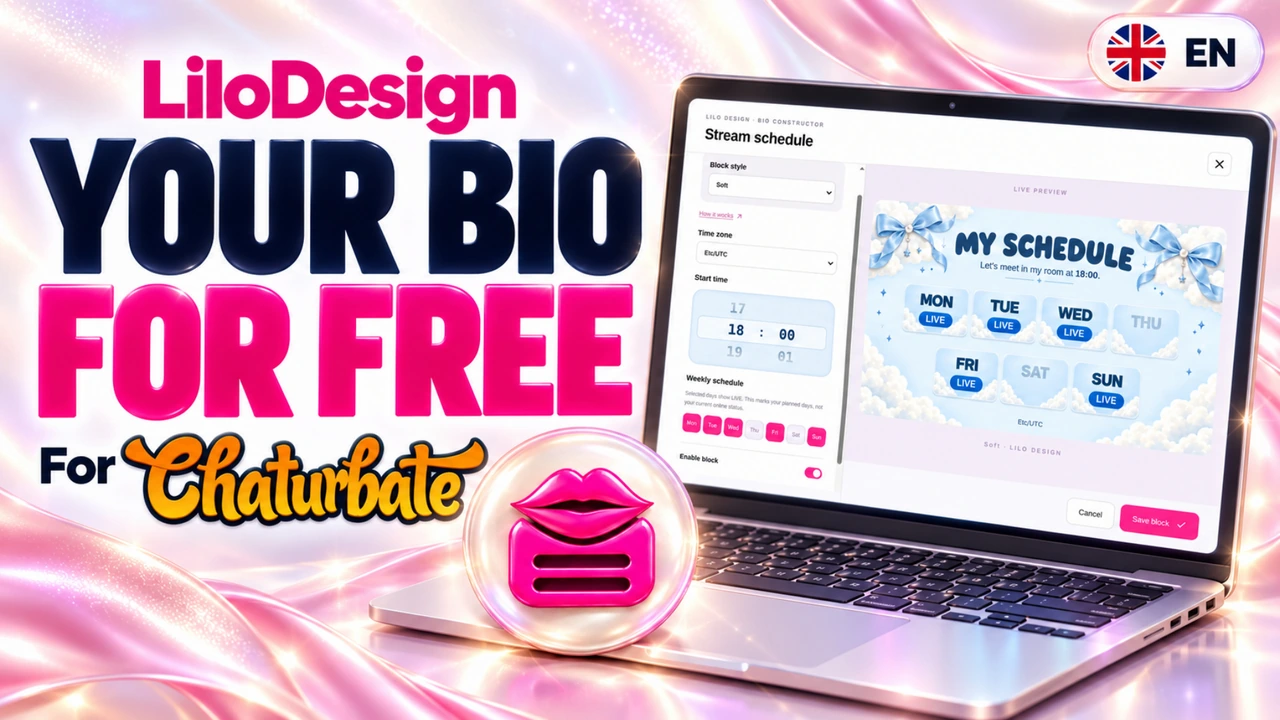
I’m Lilo, and I’ll walk you through the whole process: choose a style, add your content, check the result and install it safely. With your text and links ready, a beautiful bio can take just minutes; your timing depends on how much you want to add.
Why your bio deserves a little attention
Your bio introduces you between broadcasts. Consistent colors, a recognizable photo and concise writing convey your identity. A schedule helps visitors return, while working links make the next step easy.
A polished profile can support recognition, trust and interaction. It does not guarantee tips, followers or income. Start with accurate information and your own voice.
Gather your essentials first
Open the constructor on your phone, tablet or computer. Prepare a short introduction, your usual broadcast time, any token amounts and the links you want to share.
- Optional: a direct HTTPS link to an externally hosted photo. A webpage containing a photo is not the same as an image link.
- Keep a copy of the HTML already in your Chaturbate About Me field before replacing anything.
- Share only information and photos you are comfortable making public.
Create your builder account
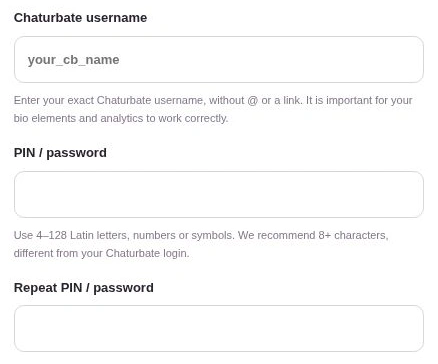
Use your exact Chaturbate username so profile-dependent links, including Fanclub, point to the right place. Usernames must contain 3–30 ASCII letters, digits or underscores. No email is required.
Choose a separate builder PIN/password: 4–128 characters using Latin letters, digits and punctuation. I recommend at least 8 characters and a password different from your Chaturbate password.
- Enter your Chaturbate username exactly.
- Create your builder PIN/password and keep it somewhere safe.
- Log in to begin editing.
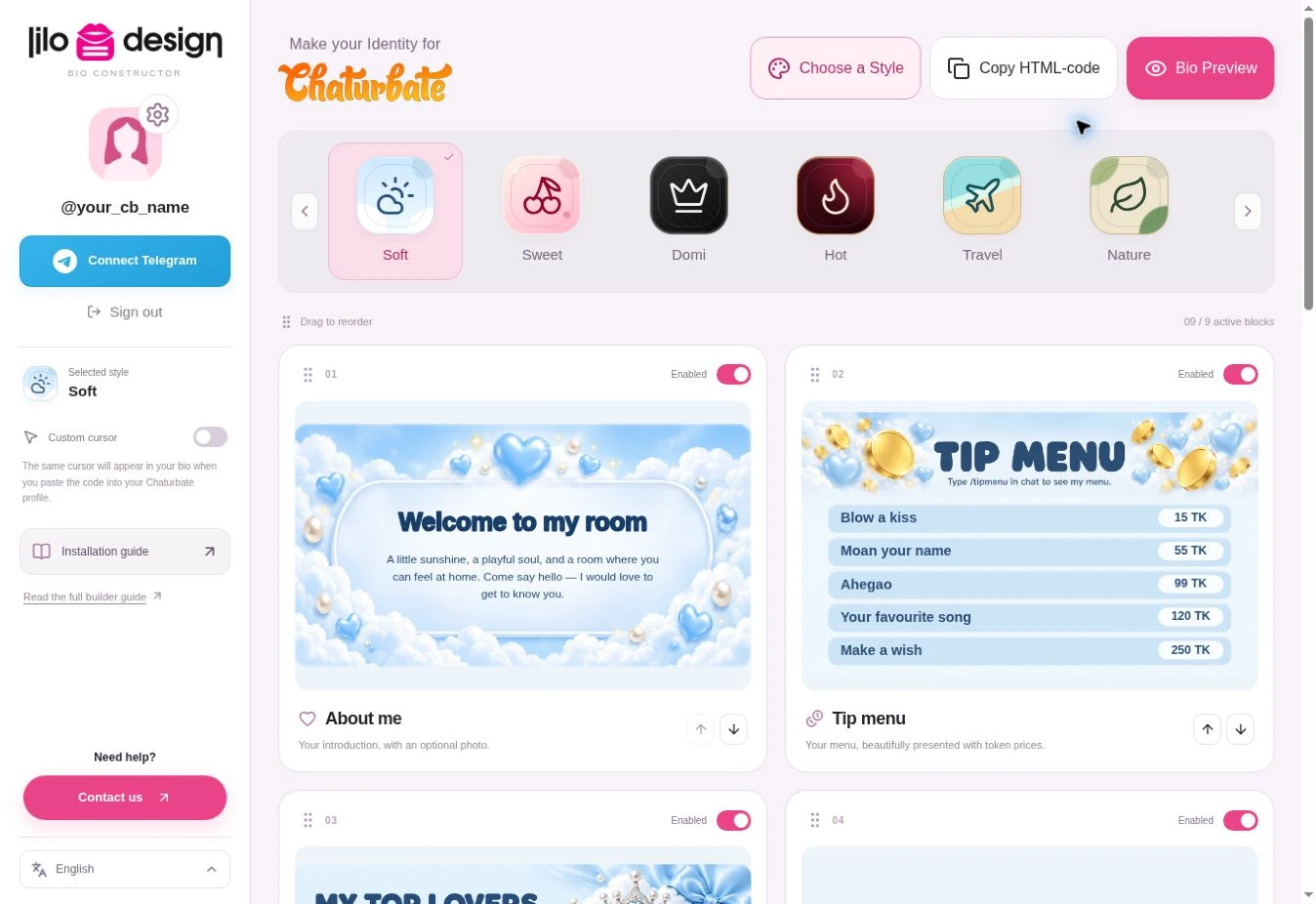
Choose one style for your whole bio
Open the style panel and try Soft, Sweet, Domi, Hot, Travel, Nature, Gamer or Anime. Choose colors that fit your room.
The style applies globally to the entire bio; individual widgets cannot each use a different theme. Switching styles keeps your content and settings, so you can experiment before deciding. A Custom cursor option is also available.
Introduce yourself in About
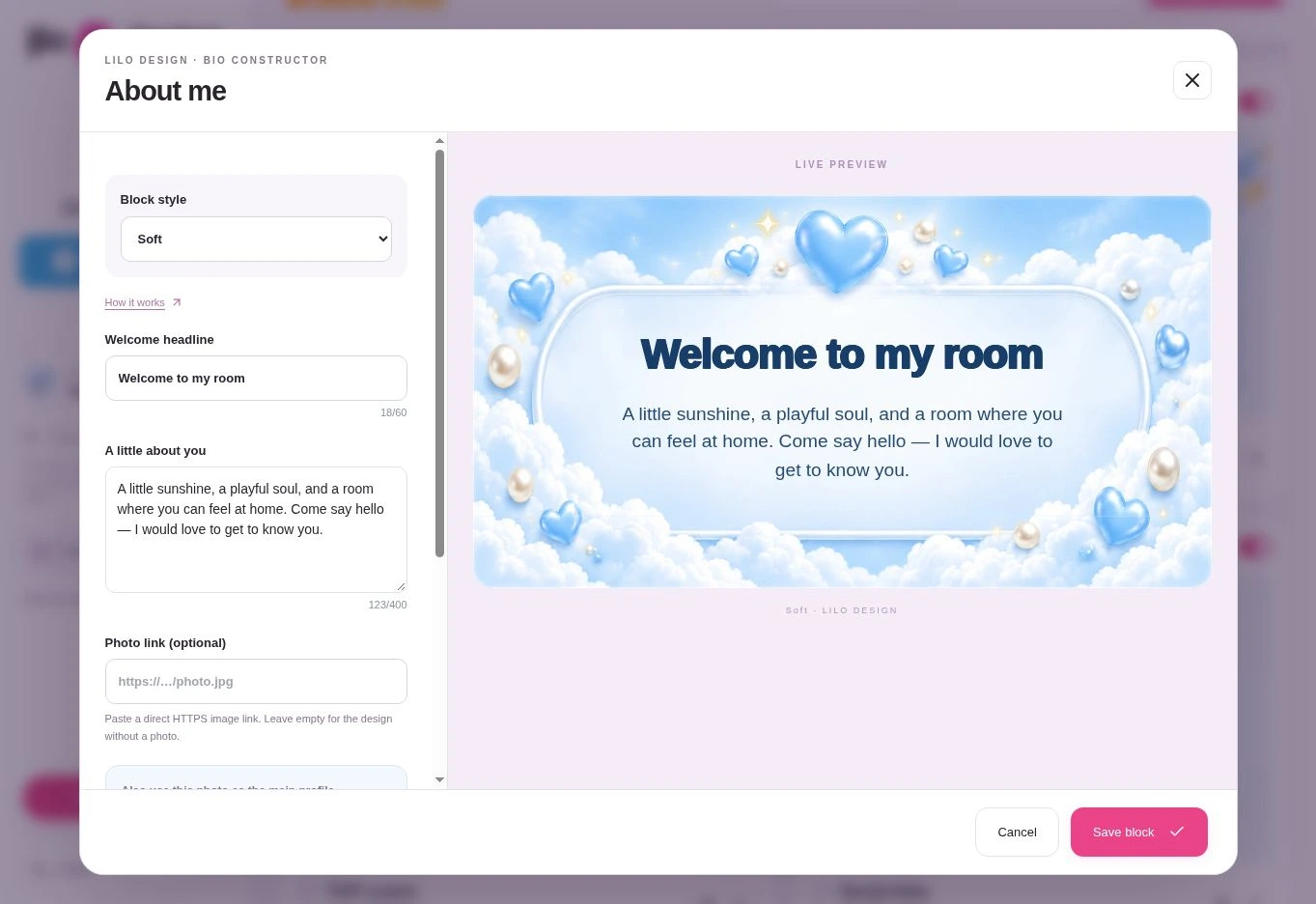
Write a brief introduction with a memorable detail: your interests, the atmosphere of your shows or your favorite conversation topics. Keep private details out.
About has three layout choices: no photo, a round photo frame or a photo background. The optional image must be a direct HTTPS link to an externally hosted photo. You can also use that same photo as the main profile background. Check that it stays readable with your chosen style.
- Add your introduction.
- Choose a layout and, if wanted, paste your direct photo URL.
- Save the block.
Make your Tip Menu easy to scan
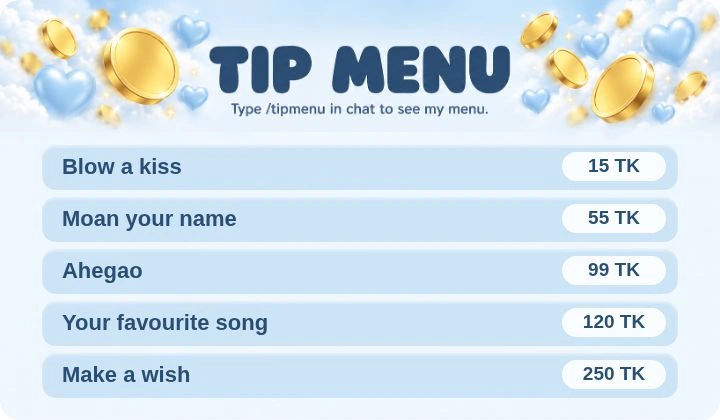
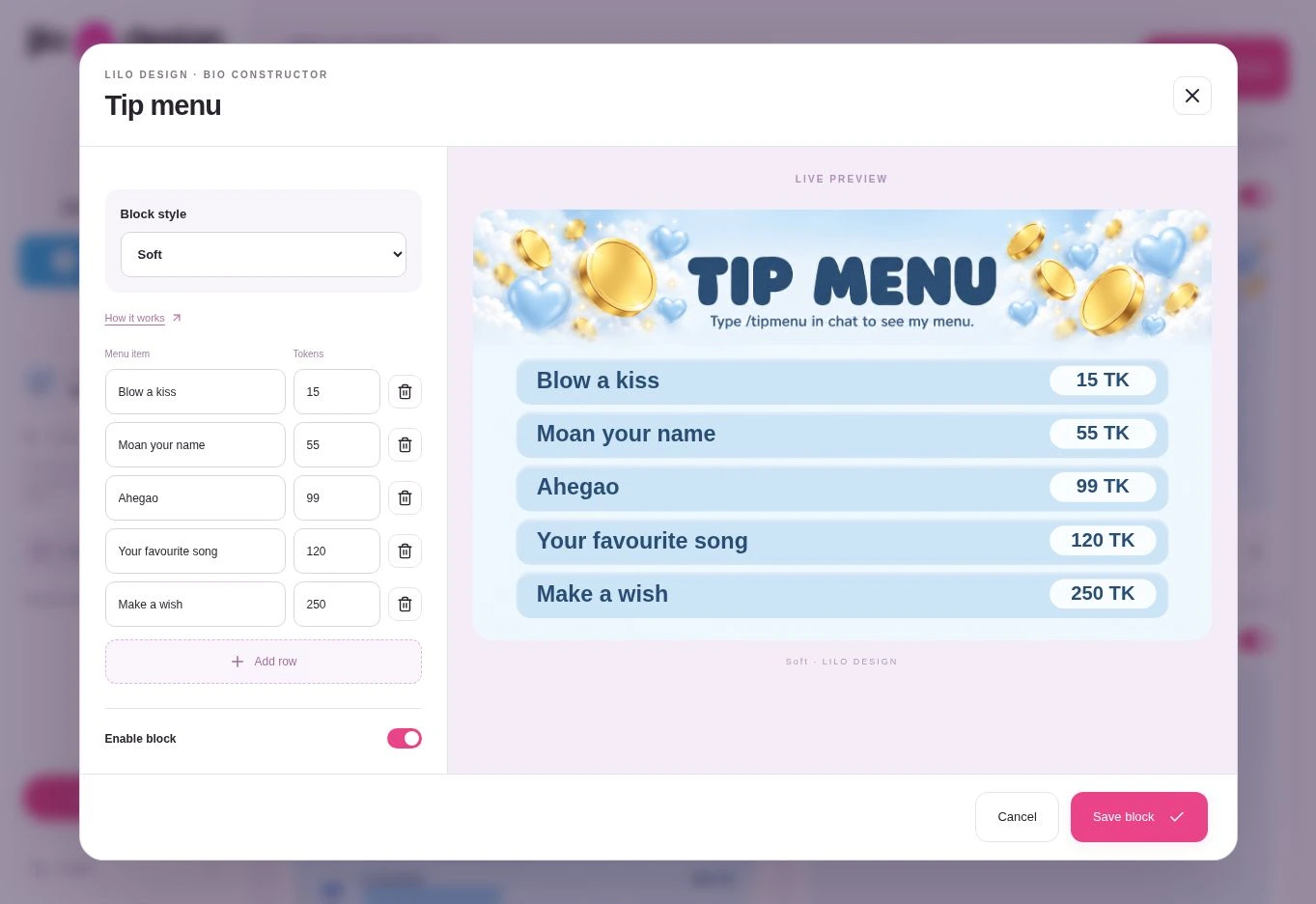
Add up to 30 tip menu items. Each has a name and a token amount. Use clear names that explain the interaction and check every amount before publishing. A shorter, well-organized menu is often easier to read than a full list of everything you offer.
Save the block after editing. The constructor formats your menu; it does not guarantee that visitors will use it.
Recognize supporters with Top Lovers
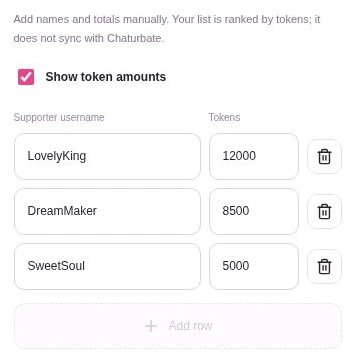
Top Lovers holds up to three entries. Add names and amounts manually; the bars are proportional to the amounts you enter. This is a display you maintain yourself, not an automatic import of Chaturbate tips.
Check spelling and amounts, and update the block whenever you want the recognition to change.
Show visitors when to find you
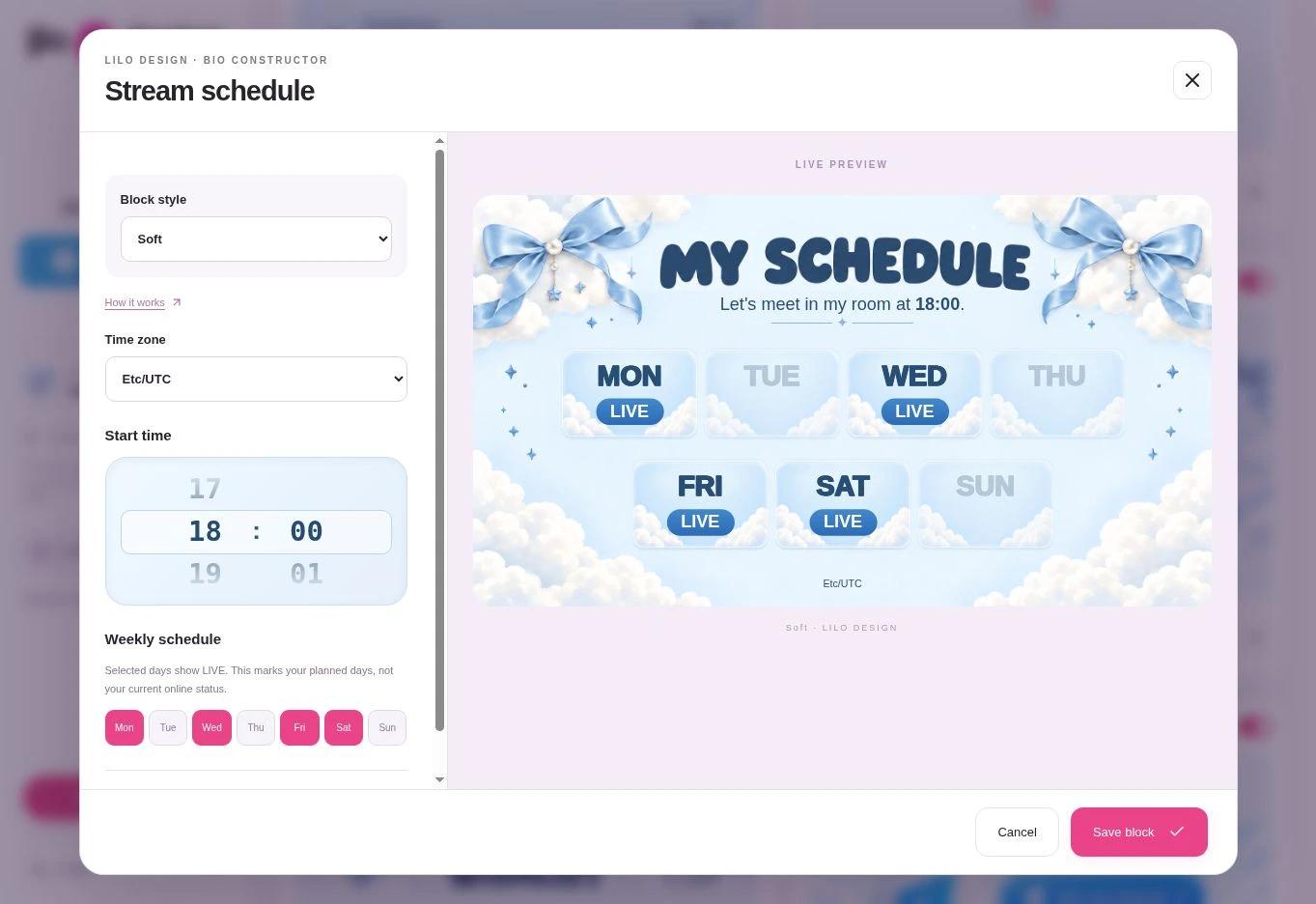
Select the weekdays you broadcast, set one start time using the time wheel and choose your timezone. Selected days appear as LIVE. The schedule is information you provide, not a live connection to your online status.
Use a time you can realistically keep and make the timezone clear for visitors elsewhere. Review your schedule whenever your routine changes.
Share a small, thoughtful Wishlist
Add up to nine wishes in a centered layout. Each can include a title, a description and an Amazon URL. Explain what the item means to you without overcrowding the card.
Open every Amazon link yourself before publishing. Keep the list current by removing wishes you no longer want.
Make your Fanclub easy to find
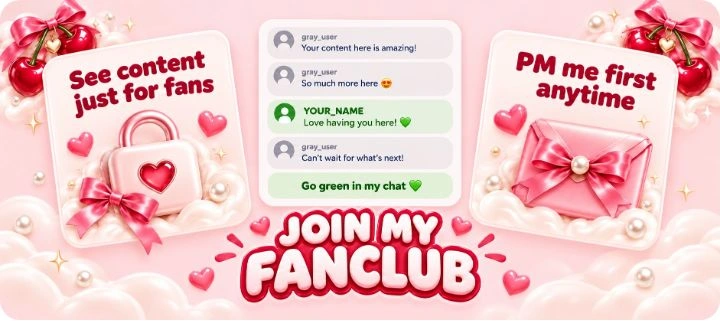
The Fanclub join URL is generated automatically from your username. The username must match Chaturbate exactly.
Enable the widget if it belongs in your bio, then verify that the published link opens the correct join destination.
Add your Telegram channel
The Telegram widget is for your channel URL. Paste the correct public destination and check it before sharing.
This channel link is separate from signing in to the constructor. Telegram bot login is not implemented, so do not treat the widget as an account connection.
Include the DMCA badge if useful
The DMCA widget displays a badge link. Enable it if you want it in your layout, and check its destination in your published bio.
A badge is a visual link, not a guarantee that copying will be prevented or that content will automatically be removed.
Put the most useful information first
Reorder the nine widgets to create a natural reading flow: introduction, key interactions and practical details. Enable only the blocks you need. Disabling a widget retains its data, so you can bring it back later.
Save each edited block. Two fixed Sign Up calls to action and a separate footer remain in the finished layout; allow for them when planning the page.
- 01About me
- 02Tip menu
- 03TOP Lovers
- 04Stream schedule
- 05Wishlist
- 06Fan club
- 07Social links
- 08Telegram channel
- 09DMCA protection
Check the bio before you copy it
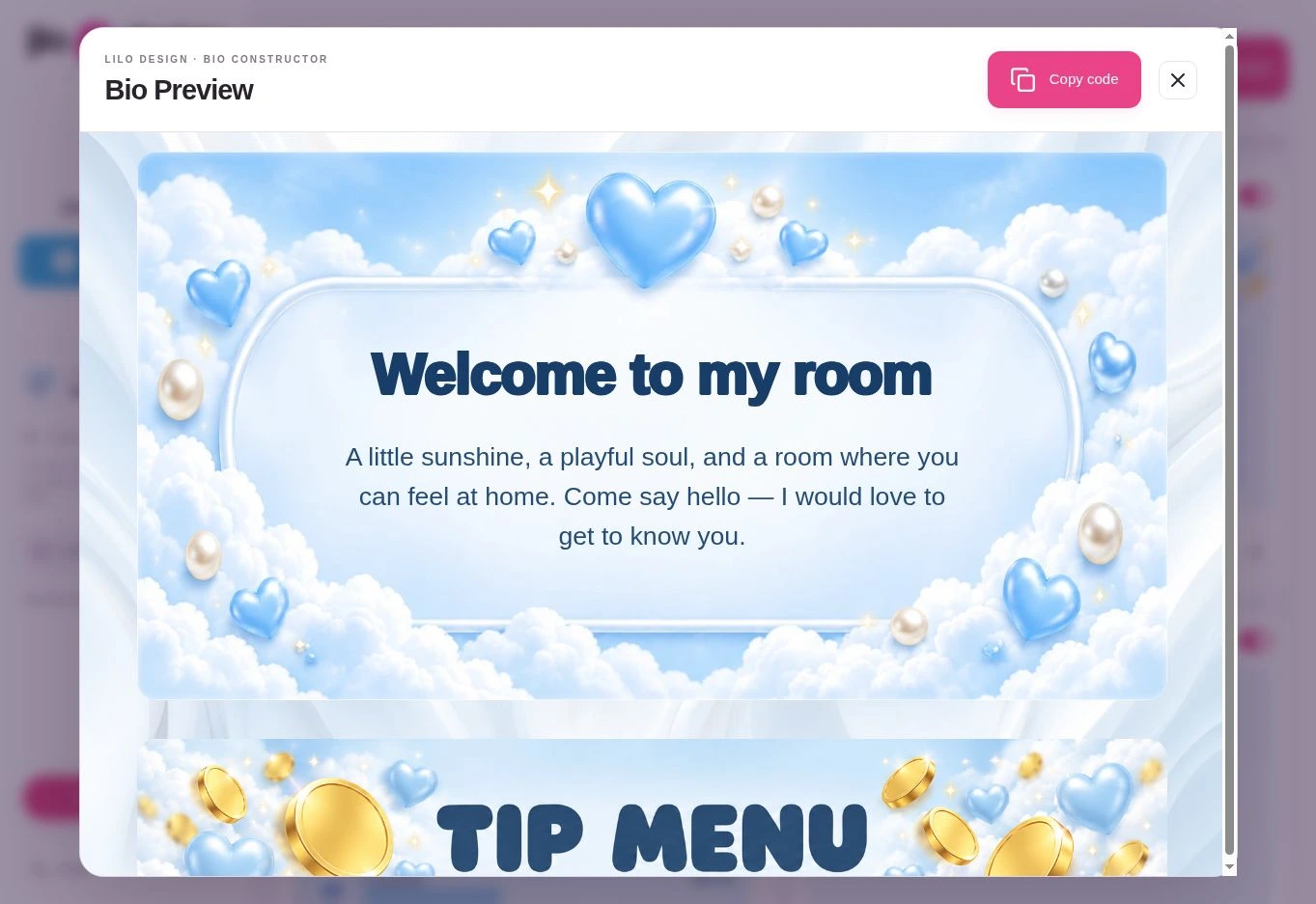
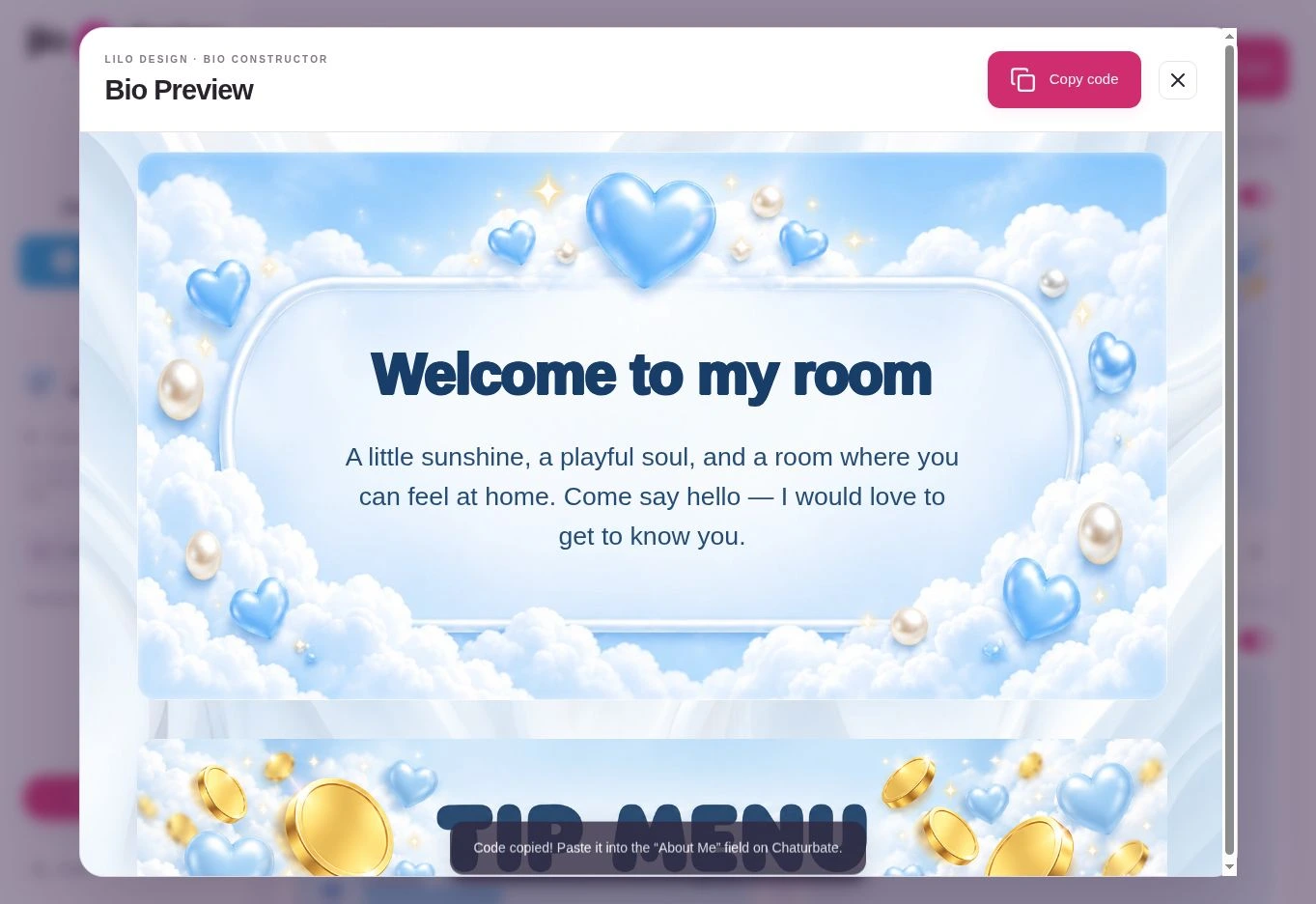
Open Bio Preview and read it as a first-time visitor. Look for unclear wording, incorrect prices, missing information and a photo that makes text difficult to read.
The preview shows the bio body only. It does not show the social icons outside the body or the upper Sign Up call to action. Review the complete public profile after installation.
Install your bio on Chaturbate
When the preview is ready, export the HTML and move it into your Chaturbate profile. You do not need to understand the code to install it.
- Back up the old code from your Chaturbate About Me field.
- In the constructor, click Copy HTML.
- Open Chaturbate → My Profile → Edit Bio → About Me.
- Paste the copied HTML into About Me and save.
- Open your public profile and check the display, photo and every link.
Publish a fresh copy after every change
Saving a block in the constructor does not update Chaturbate automatically. After any builder change, copy the HTML again, replace the code in About Me and save on Chaturbate.
Changing the interface language changes only the builder UI. The exported bio always uses English. Keep this distinction in mind when checking labels and preparing your content.
Frequently asked questions
Is the Bio Constructor free?
Yes. You can create your bio with LiloDesign’s free constructor and copy the HTML into your Chaturbate profile.
Can I edit my bio on a phone?
Create and edit your bio on a phone, tablet or computer. On smaller screens, use the Blocks, Style, Preview and Profile tabs.
Do I need coding experience?
No. Fill in the blocks, save them, preview the result and copy the generated HTML into Chaturbate About Me.
Will changing a theme erase my text?
No. Your content and settings remain. The new style applies to the entire bio.
Why is my photo not appearing?
Check that the URL starts with HTTPS and opens the image directly. An album or hosting webpage may not work. Also check the public profile after installation.
Will changes appear on Chaturbate automatically?
No. Every change requires a fresh Copy HTML, a new paste into About Me and a save on Chaturbate.
Does choosing another language translate the exported bio?
No. Language selection changes the constructor interface only. The exported bio always uses English.
Your bio is ready to feel like yours
Start with a clear About section, a useful schedule and the links that matter. You can add more widgets whenever you need them.
Create a beautiful bio for free, check it carefully and make it part of your own visual identity. A few prepared details can turn those first minutes into a profile you feel good about sharing.
Connect your Social Links
Add the social profiles you want visitors to find. The constructor provides platform prefixes and detects pasted full URLs. Check the resulting destination instead of assuming a pasted address is correct.
Choose horizontal or vertical placement to suit your layout. Use a small set of active profiles, and test the links on your public bio after installation.